
Service Anywhere Mobile
Hewlett Packard Enterprise, Jan 2017
UX . UI . Interaction . Illustration . App design
Background
Service Anywhere is a cloud-based SaaS solution. It improves IT service support and delivery processes across the complete lifecycle leveraging ITIL® (Information Technology Infrastructure Library) industry best practices. It has 97% of user satisfaction.
The challenge
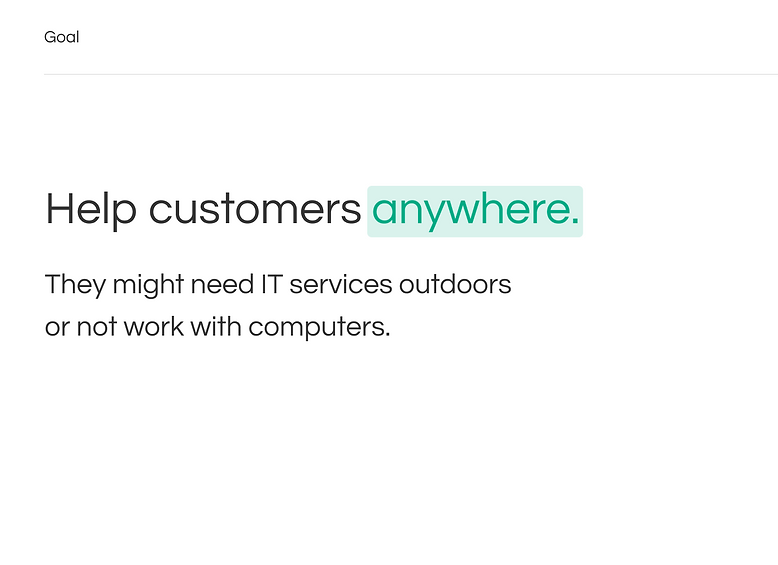
Create a mobile application for Service Anywhere. There is a different experience from the desktop system because of the device, screen size and use case. In this situation users don't look at their phones during the whole time. The interactions need to be simple and feel short. It was very important in case the user's computer would stop working. There were customers that all their workers didn't use computers to work during the day.
Users need to feel they are in the same product than desktop.
The solution
With this mobile application Service Anywhere would be literally "anywhere". Now users could request and interact with support all the time and solve their issues in a faster way.
A usability testing was made and 6 from 8 users finished the flow successfully.
My role
I was responsible for the UX and UI design of Service Anywhere Mobile, focusing on translating a complex desktop IT service platform into a simple, efficient mobile experience. I analyzed desktop workflows and user scenarios to identify the most critical actions users need when away from their computers, especially in high-friction situations such as system failures.
I designed mobile-first interaction flows, wireframes, and visual designs that prioritized short, clear interactions while maintaining consistency with the desktop product’s look and behavior. I collaborated closely with stakeholders to ensure the mobile experience felt like a natural extension of Service Anywhere, not a separate product.
I also planned and supported usability testing, incorporating feedback and insights into design iterations. The final solution enabled users to request and manage support quickly on the go, contributing to high task completion rates in usability testing.

.png)

.png)